
AI-powered home design

Design Every Space

Transform rooms, exteriors, and outdoor spaces with AI. Upload a photo, choose what you want to change, and explore your new design in seconds.

See How It Works

No design experience required.

Everything you need to reimagine your space

One photo. Endless possibilities.

Archythink gives you simple AI tools to test ideas before making real changes to your home.

Bright minimal living room with oak flooring after an AI redesign

Redesign with AI

Give any room a complete makeover while keeping its original structure.

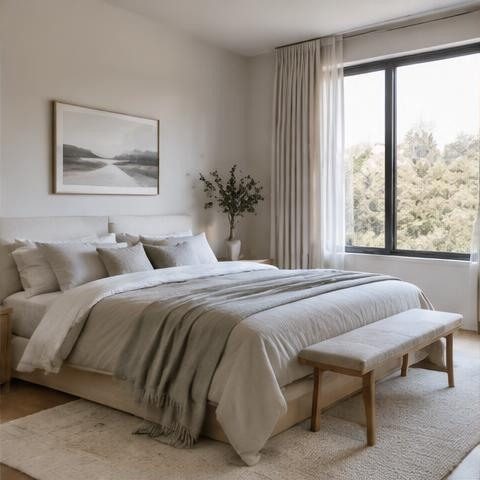
Calm modern bedroom with linen bedding and warm neutral tones

Interior Design

Explore new layouts, furniture combinations, and interior styles.

Interior wall corner painted in soft sage green with daylight shadows

Paint Walls

Preview new wall colors before picking up a brush.

Scandinavian kitchen with pale wood cabinetry and stone countertop

Replace Objects

Swap furniture and decorative objects while preserving the rest of your space.

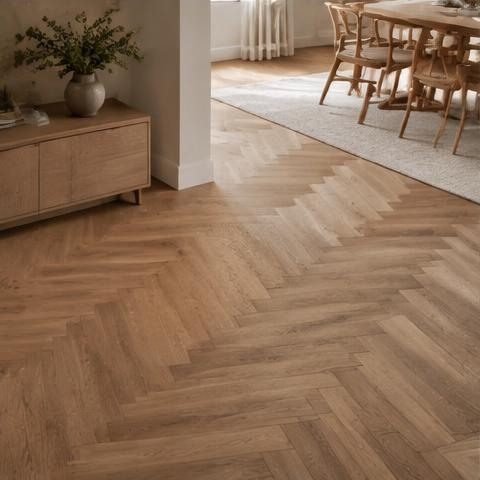
Empty bright room with herringbone oak flooring

Floor Style

Try different flooring materials and finishes in seconds.

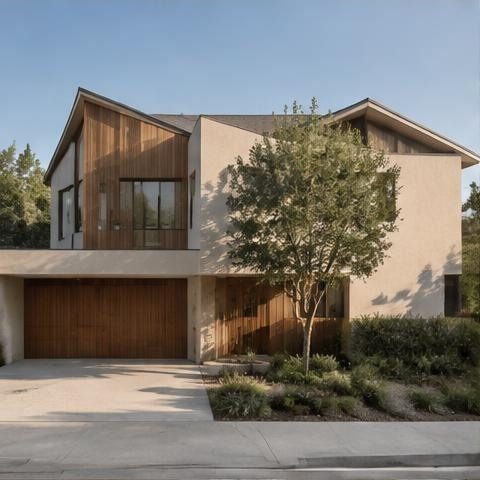
Modern two storey house exterior with white render and wood cladding

Exterior Design

Visualize new finishes, colors, and architectural ideas for your property.

Landscaped back garden with stone path, lawn and wooden terrace

Garden Style

Transform gardens and outdoor areas with personalized landscaping ideas.

How it works

From photo to design in seconds

  1. 1

    Upload your space

    Choose a clear photo of your room, exterior, or garden.

  2. 2

    Choose what to change

    Select a design tool, style, color, object, or area.

  3. 3

    Generate your design

    Let Archythink create a new visualization based on your ideas.

See your space before you change it

Explore ideas, compare different looks, and make design decisions with more confidence.

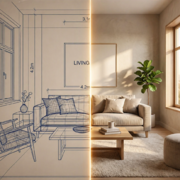
Bright minimal living room with oak flooring and light sofa after redesign
Dated living room with beige walls, brown sofa and worn carpet before redesign
BeforeAfter
  • Visualize before renovating
  • Explore multiple styles
  • Save your favorite designs

The right AI tool for every idea

Whether you are refreshing one wall or redesigning an entire property, Archythink helps you visualize the result.

  • Redesign with AIGive any room a complete makeover while keeping its original structure.
  • Paint WallsPreview new wall colors before picking up a brush.
  • Replace ObjectsSwap furniture and decorative objects while preserving the rest of your space.
  • Floor StyleTry different flooring materials and finishes in seconds.
  • Exterior DesignVisualize new finishes, colors, and architectural ideas for your property.
  • Garden StyleTransform gardens and outdoor areas with personalized landscaping ideas.

Inside the app

A calm, focused design studio in your pocket

Every step is designed to stay simple, from the first photo to your saved design library.

  • Home screen

  • Room type selection

  • Style selection

  • AI generating your design

  • Saved designs library

Built for every kind of space

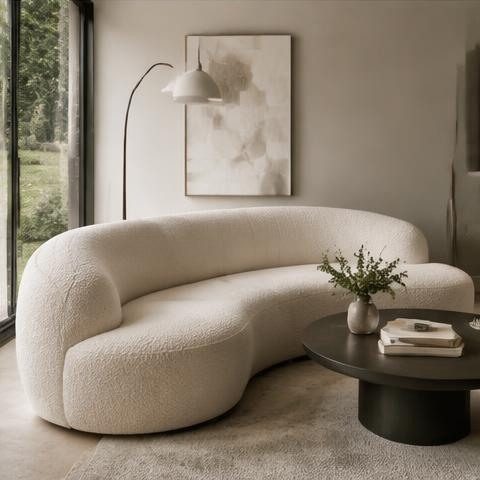
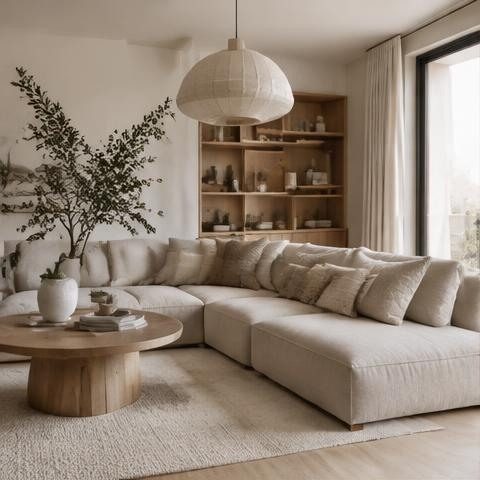
Minimal living room with boucle sofa and large window

Living Spaces

Sofas, layouts, and light

Modern kitchen with light wood cabinets

Bedrooms and Kitchens

Everyday rooms, reimagined

Contemporary house facade in daylight

Exteriors

Facades, finishes, and color

Green landscaped garden with stone pathway

Gardens and Outdoor Areas

Planting and outdoor living

Design ideas people can actually see

See how a darker floor would look before committing to it.
Floor Style · Preview flooring materials
Preview a wall color before choosing the wrong shade.
Paint Walls · Try colors before you commit
Redesign a living room in minutes and use the result as inspiration.
Redesign with AI · Full-room concepts in minutes

FAQ

Questions, answered

Archythink is an AI-powered design application that helps you visualize changes to interiors, exteriors, and outdoor spaces.

You can use Archythink with rooms, homes, building exteriors, gardens, and other clearly photographed spaces.

You upload an image and select the kind of change you want to visualize. Archythink processes your instructions and generates a new design concept.

Yes. Available tools may allow you to select an area, wall, floor, or object you want to modify.

Subscriptions purchased through the iOS application can be managed through your Apple ID subscription settings.

Email support@archythink.com or use the form on the Support page.

View all questions

Your next design starts with one photo.

Explore new possibilities for every room, wall, floor, exterior, and garden with Archythink.

Contact Support
Living room before an Archythink redesign
Before
The same living room after an Archythink redesign
After